Upload your first CV
Upload a CV file, watch it process, and get your first profile in under a minute.
Written By Łukasz Myśliński
Last updated 4 months ago
Go to the Convert page from the main navigation. You'll see a large upload zone in the center of the screen, and your current plan usage on the left. All new accounts start with 10 free conversions.
Upload your file
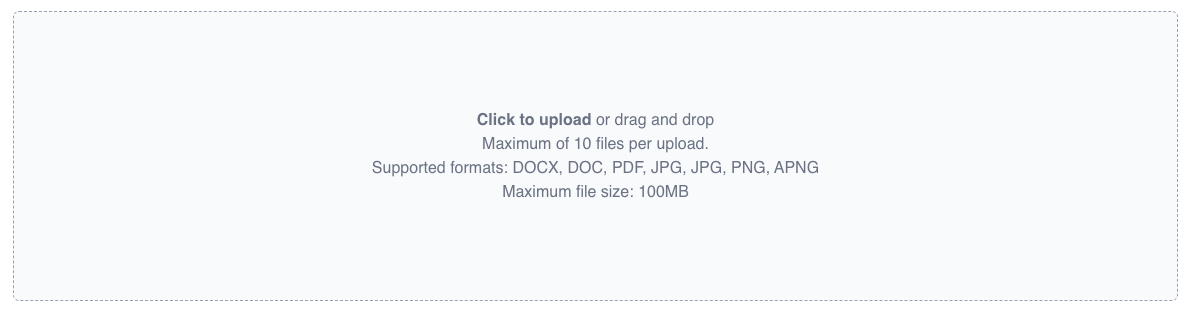
Drag and drop your CV onto the upload zone, or click it to browse your device. You can upload up to 10 files at a time.
Supported formats: PDF, DOCX, DOC, JPG, PNG
Max file size: 100MB per file
Watch it process
Once uploaded, a status tracker appears below the upload zone. Your CV will move through these states:
Queued — waiting to be picked up; usually starts immediately, may take a moment during high traffic
Converting — actively being processed: CVtoBlind parses the document layout, extracts personal data, experience, skills, education, and more, then applies any conversion settings you've configured (such as anonymization, date formatting, or summary generation)
Completed — ready to view and edit
Failed — something went wrong; try re-uploading or contact us via the support widget
Most CVs complete in under a minute. In rare cases it can take up to 5 minutes.

Open the profile
Once the conversion is completed, click through to the Profile Editor to review, edit, and export the structured data extracted from the CV.