What are templates?
Templates define how exported profiles look — your branding, your layout, powered by Jinja.
Written By Łukasz Myśliński
Last updated 17 days ago
Templates are the core of the CVtoBlind rendering engine. They are .docx files that define the layout and branding of an exported profile — fonts, colours, sections, and order. When you export a profile, CVtoBlind replaces the template's variable tags with the actual data extracted from the CV.
Why DOCX?
Most staffing and outsourcing teams already have candidate presentation templates in Word — built over years to match their brand, their clients' expectations, and their internal standards. CVtoBlind is designed to work with what you already have, not force you to start from scratch.
DOCX is also the only format that gives you truly full customization. Every font, colour, table layout, header, section order, and spacing detail is preserved exactly as you designed it — what you see in Word is precisely what your client receives. Other approaches (HTML, PDF templates, online editors) inevitably lose fidelity or limit what you can do. With DOCX you get a 1:1 replica of your existing template, with candidate data dropped in automatically.
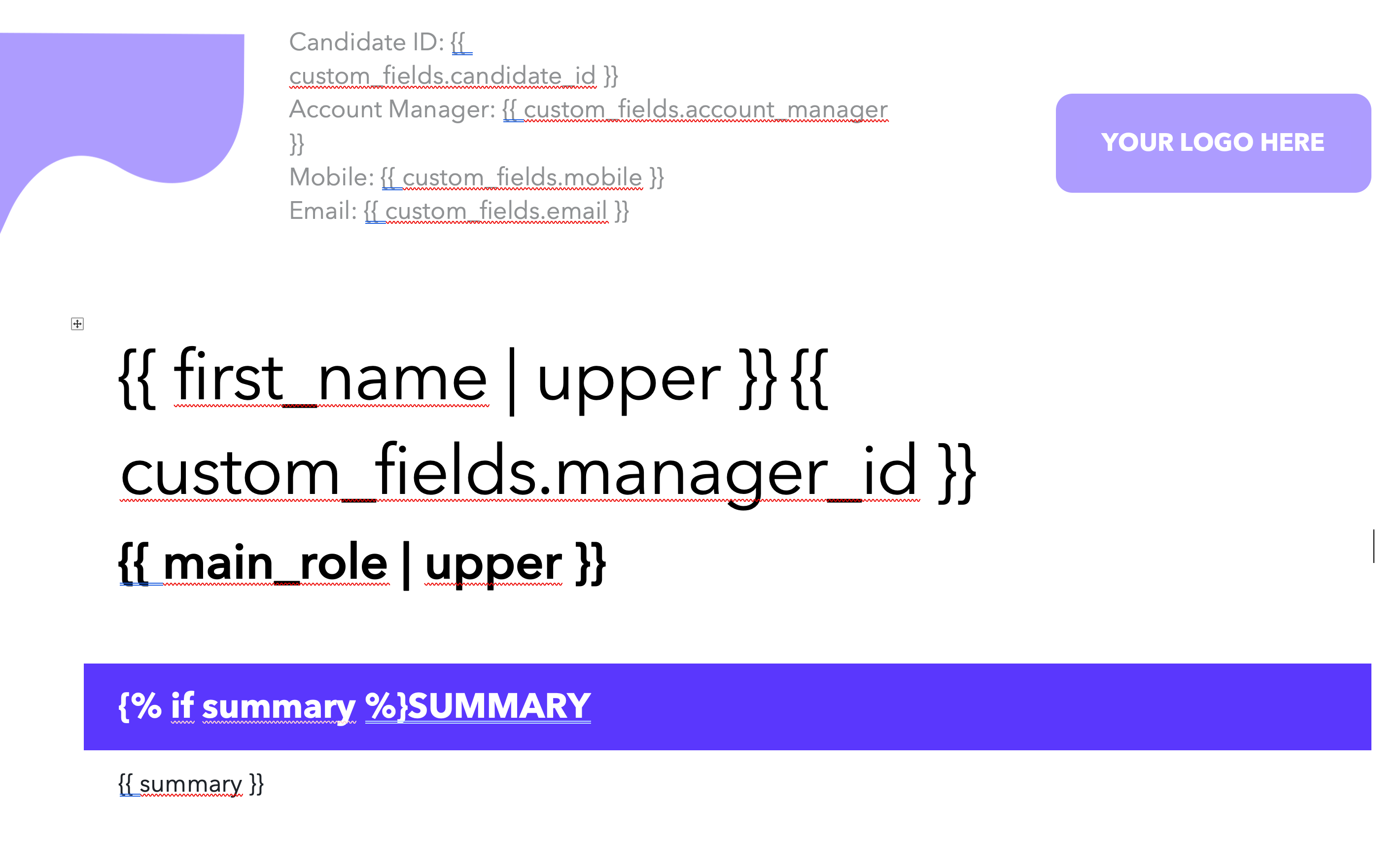
Variables are written in the Jinja templating language. For example, placing {{ summary }} in your Word document will be replaced with the candidate's professional summary on export.
👨💻 Building a template requires basic familiarity with Jinja syntax. Feel free to share the template creation guide with a technical team member who can help.
Before and after
Here's what a sample template looks like in a .docx document:
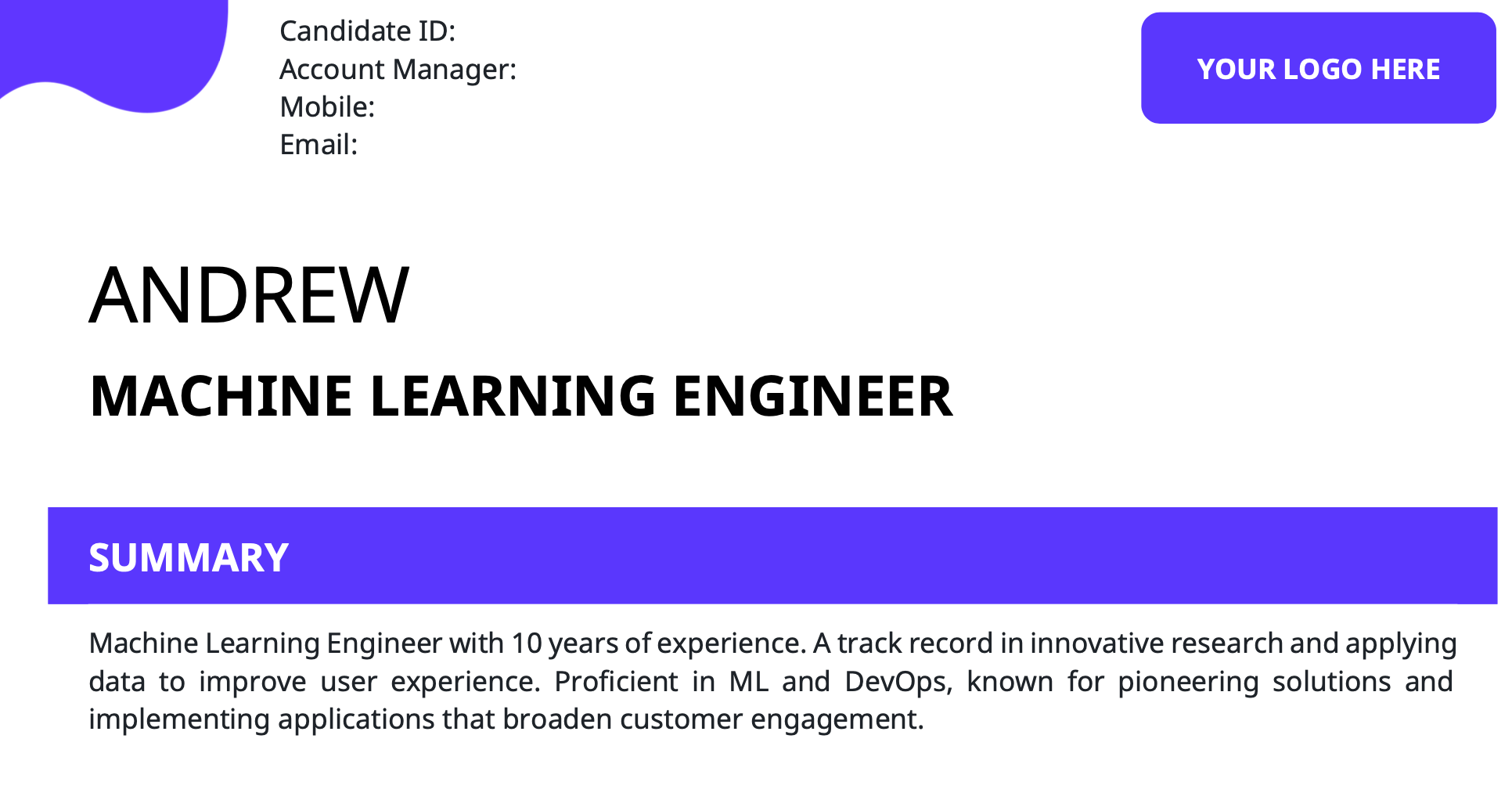
And this is what it looks like once you render a profile with that template: